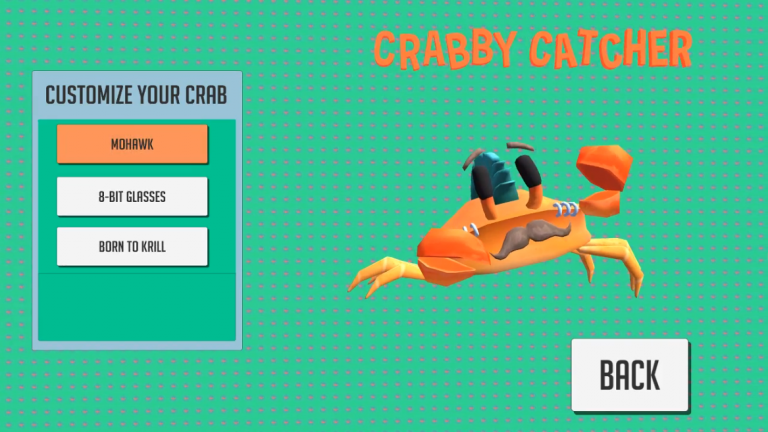
My main job in Crabby Catcher was designing and implementing a simple cutomization system. I designed the system to accommodate for the increasing amount of hats and other cosmetic objects the artists in my team created. This was achieved by creating an 'empty' point on the crab's head, before aligning each cosmetic object using the point's co-ordinates. Once that was finished, I saved the cosmetic object and it's position relative to that point into a generic "Cosmetic" object, ready to be spawned when needed.
A player selecting their hat using a controller.
Core UI
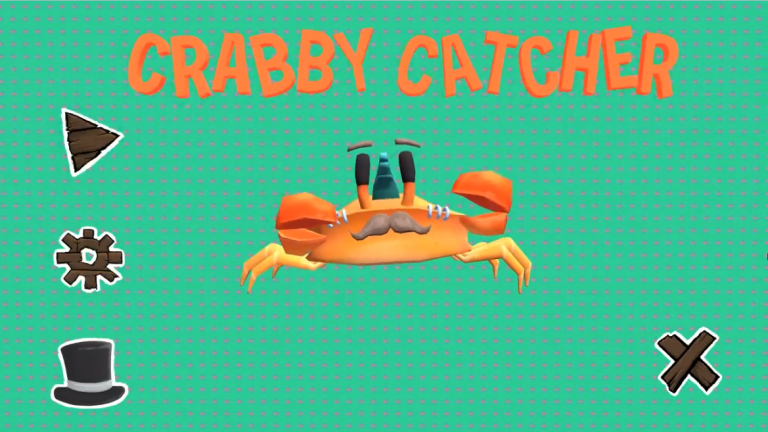
Crabby Catcher was my first foray into the UI systems of Unity. I designed and implemented most of the menus in the game, as well as the transitions to and from them.
The main menu UI
Controller Support
As Crabby Catcher evolved, the team and I decided that it needed to be playable on PC. This was mainly so we could show off the game on big screens at events, but it also allowed us to release it on indie PC game sites. Implementing controller support for the main game was simple, it just replaced taps and swipes with button presses and joystick angles. The game's UI was a bit more time consuming, as I had to wire every single button to it's neighbors to allow navigation with only a joystick.